🔥 Black Friday Prices Now! 90-Day Price Match Guarantee.
✨ FREE White Glove Delivery - Only at Kollecktiv
🥇 America’s Top-Rated Massage Chair Brand
🎉Black Friday & Cyber Monday Sale - Limited Stocks!
🚚 Fast U.S. Shipping, arrives in 3+ days
🎁 No Sales Tax & 3 Year Warranty
🎖️ Exclusive Military Massage Chair Discount
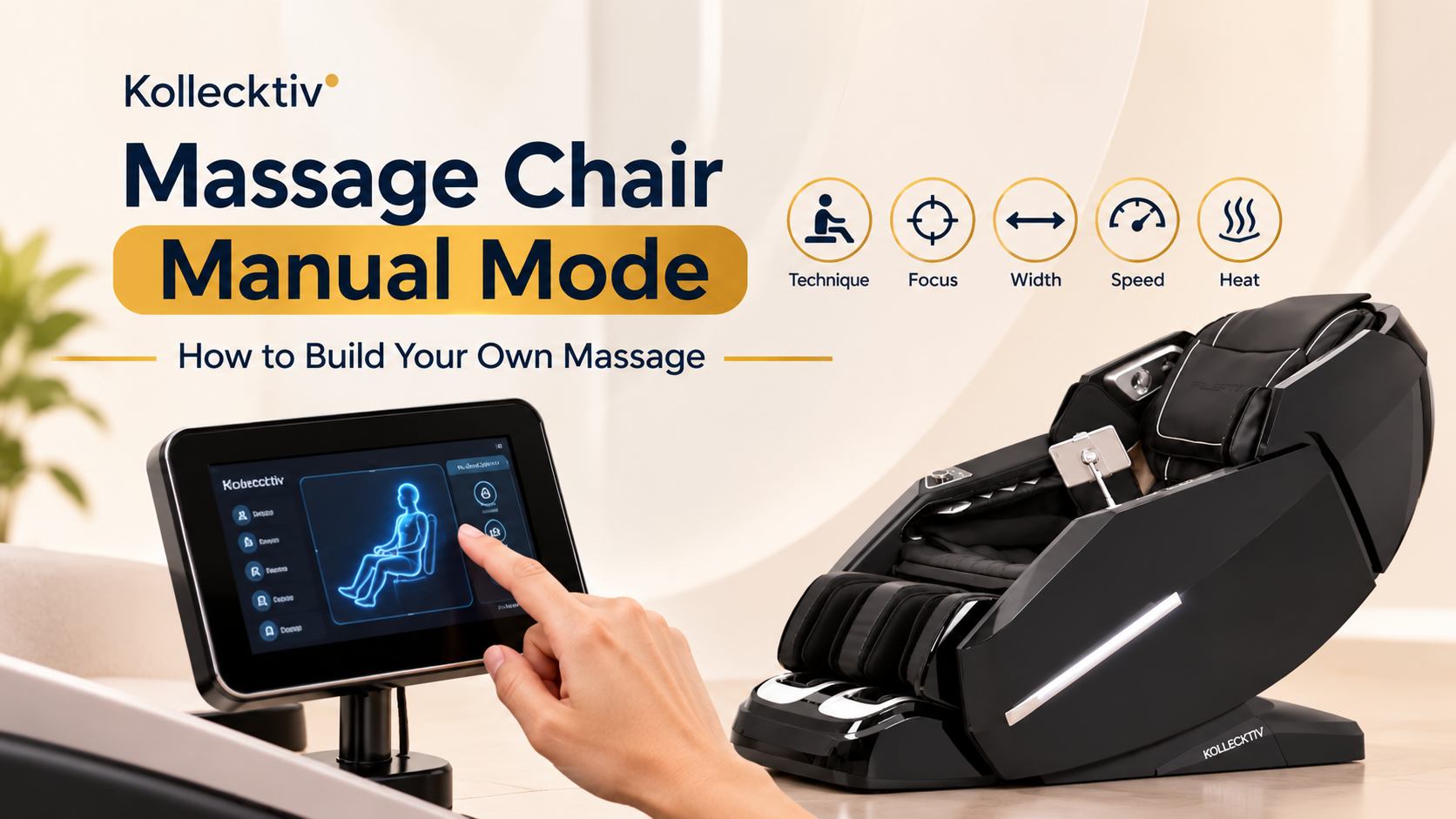
Quick Answer: Massage chair manual mode lets you build a session yourself instead of running a preset program. You pick a technique, such as kneading or tapping, then choose where the rollers work (whole back, a partial band or one spot), and adjust position, width and speed. Available settings vary by chair, so check your model’s manual.
Auto programs are the easy way to start. Press a button and the chair decides the techniques, the order and the timing. Manual mode is for the moments when you want something specific: ten minutes on one stubborn spot between your shoulder blades, or tapping without the kneading the program keeps adding.
Manual mode can feel confusing at first because the controls change depending on the technique you’ve chosen. This guide explains each setting in the order you’ll usually choose them, using terms from real manufacturer manuals, so the menu on Kollecktiv’s home massage chairs with manual and auto modes, or on any chair, makes sense.
Auto vs. Manual Mode: What’s the Difference?
Auto programs
Manual mode
Who decides
The chair, following a preset sequence
You
What runs
A mix of techniques, areas and airbags that changes over the session
The one technique and area you select
Best for
Relaxing without decisions; a whole-body routinex
Focusing on one area; repeating a sensation you like
Trade-off
Less control over where and how
More choices to make each time
Many chairs let you switch at any point. Panasonic’s manual, for example, notes that pressing a manual button during an auto program switches the chair to your new selection. A practical habit is to start an auto program, notice which part felt best, then rebuild that part in manual mode.
The technique is the motion the back rollers make. The names are fairly consistent across brands, though the exact feel varies by chair.
Kneading: the rollers move in circles, sweeping together and then pushing apart.
Tapping: quick, rhythmic strikes, sometimes called percussion.
Knocking or clapping: another percussion style that many chairs list separately from tapping. How it differs varies by model.
Shiatsu: the rollers press and hold at points, based on a Japanese style whose name means “finger pressure.”
Rolling: the rollers travel up and down along the spine with steady pressure.
Swedish: long, gliding strokes, often combined with kneading.
Knead and tap (sometimes “sync”): two motions at once.
Kollecktiv’s product pages list six manual techniques on the 205, G18, 208 and 301, but don’t name them, so check the controller or the manual to see which six your chair offers. Choosing a technique often decides which settings you can change next; that’s covered in Step 4.
Step 2: Pick a Focus Area — Whole, Partial or Spot
The focus area tells the rollers how far to travel. Manuals use slightly different names for the same three options:
Whole (full back): the rollers move across your entire back.
Partial (zone): the rollers work back and forth over a short band. Titan’s Ti-7700 manual describes a range of about 3.2 inches, and Osaki’s OS-1000 manual about 3.1 inches (8 cm).
Spot (point or fixed): the rollers stay in one position.
Some chairs only offer partial and spot in manual mode, and some combinations aren’t possible. The Ogawa manual, for example, notes that spot massage can’t run during rolling, which makes sense because rolling travels by design.
Once you’re in partial or spot mode, you choose where on your back the rollers work. Most controllers use up and down arrows: hold the button and the rollers travel, then release when they reach the right place. Osaki’s OS-1000 manual describes exactly this for its spot and partial functions.
Tips:
Move in small steps. Rollers travel faster than you expect; tap the arrow rather than holding it.
Sit back fully. If you’re leaning forward, the position you set won’t match where your back actually is.
Re-run the shoulder adjustment if the rollers seem too high or too low at the neck. Many chairs let you fine-tune the scanned shoulder height.
Step 4: Adjust Width and Speed
Width
Width sets how far apart the two rollers sit on either side of the spine. Most chairs offer narrow, medium and wide. Human Touch’s manual describes the effect simply: width lets you focus or spread out the pressure. A narrow setting runs closer to the spine; a wide one reaches more of the muscles on either side.
Speed
Speed sets how fast the rollers move. Some chairs offer two settings (fast and slow); others offer six levels or more. Slower movement often feels deeper, and faster movement feels lighter and more rhythmic.
Why a setting won’t change
If the width or speed button does nothing, the technique you chose probably doesn’t support it. That’s normal, and manuals say so:
One TMG manual notes width can’t be adjusted during kneading or sync, and speed can’t be changed during shiatsu.
Infinity’s Circadian guide also says speed can’t be adjusted in shiatsu manual mode.
Infinity’s Zenara guide notes width changes only during tapping or shiatsu.
Check your manual’s notes for each technique before assuming the controller is faulty.
Step 5: Add Airbags, Foot Rollers and Heat
The back rollers are only part of a session. In manual mode, many chairs let you set the rest separately:
Airbag zones: some chairs let you choose areas such as arms or legs, or turn all airbags off. A Westinghouse manual lists Full Air, Arm and Leg modes as an example.
Foot and calf rollers: often have their own on/off control and speed or level setting. The 205 and 208 each list three foot roller levels.
Heat: typically on or off, by zone. Kollecktiv lists lumbar heat on the G18 and 301, and lumbar and calf heat on the 205.
Step 6: Save It — If Your Chair Allows
Rebuilding the same session every evening gets old. Some chairs offer memory or favorites, but what they can save varies:
Some save adjusted auto programs, not manual sessions. Osaki’s OS-Helix manual allows up to three favorites but says manual programs can’t be saved as favorites.
Some save a full custom profile. Kyota’s manuals list memory programs (“MyMassage”) alongside manual settings.
On Kollecktiv chairs, the G18’s personalized massage memoryis listed as a feature, but the product page doesn’t explain what it stores. If saving manual sessions matters to you, ask before you buy. If your chair can’t save them, write your favorite settings on a card and keep it by the controller.
Using the Controls: Touchscreen, Shortcut Panel and Voice
The same settings can live in different places depending on the chair:
Touchscreen controller: the full menu, where focus area, width and speed usually sit under a Manual heading. The 208 and 301 list TFT touchscreens.
Shortcut panel on the armrest: a few physical buttons for common actions, so you don’t have to open a menu. The 205, 208 and 301 list them.
Voice control: handy for quick changes while reclined. Kollecktiv lists the 301’s Spot Massage and 36 voice commands, though not every manual setting may be reachable by voice.
Find the stop button before your first manual session, so you can end it instantly if anything feels wrong.
Three Sample Manual Sessions to Try
These are starting points for exploring the controls, not therapy plans. Begin at your chair’s lowest pressure and stop if anything hurts.
Goal
Technique
Focus
Width
Speed
One tight spot between the shoulder blades
Kneading
Spot, moved to that height
Narrow
Slow
Wind-down after a long day
Rolling or Swedish
Whole back
Medium
Slow
A brisk, lighter session
Tapping
Partial, upper back
Wide
Medium to fast
Adjust one setting at a time, so you learn what each one changes.
Common Manual Mode Mistakes
Holding spot massage on one area too long. Move the rollers or switch to partial so one area doesn’t get continuous pressure. Manuals commonly set session limits of roughly 15 to 30 minutes; follow yours.
Assuming the controller is broken when width or speed won’t change. Check whether your technique supports it.
Changing three settings at once, then not knowing which one helped.
Setting position while leaning forward.
Expecting every chair to have the same menu. Even models from one brand differ, and Kollecktiv’s own lineup lists 8 to 22 auto programs depending on the model.
What to Check Before You Buy, If Manual Control Matters
Focus options: does the chair list Whole, Partial and Spot, or only some of them?
Technique names: ask which manual techniques are included, not just how many.
Width and speed levels: and which techniques allow them.
Memory: can it save manual sessions, or only adjusted auto programs?
Controls: touchscreen, armrest shortcuts and voice, depending on how you like to adjust things mid-session.
The manual itself: ask for it or download it before purchase; it’s the most accurate list of what you can control.
Manual mode lets you choose the massage technique, the area the rollers cover, their position, width and speed, instead of running a preset auto program.
Is auto or manual mode better?
Neither is better overall. Auto is easier and varies the massage across your body; manual gives you precise control over one area or technique. Many people use auto first, then manual for what they liked.
What does spot massage mean on a massage chair?
Spot (also called point or fixed) massage keeps the rollers working in one position on your back. You usually move them into place with the up and down arrows.
What’s the difference between partial and spot massage?
Spot stays in one place. Partial moves the rollers back and forth over a short band, about three inches in the Titan and Osaki manuals.
What does the width button do on a massage chair?
It changes how far apart the rollers sit on either side of the spine. Narrow concentrates pressure; wide spreads it over more of your back.
Why can’t I change the speed or width on my massage chair?
Some techniques don’t support those adjustments. Several manuals note, for example, that speed can’t be changed during shiatsu, or width during kneading. Check your manual.
Can you save your own massage settings?
Some chairs can. Memory or favorites features vary: some save only adjusted auto programs, not manual sessions. Check the manual or ask the seller before buying.